Make Contactless payments with Google PayTMAdd your iChoose card to Google WalletTM
Welcome to easy, fast and secure payments



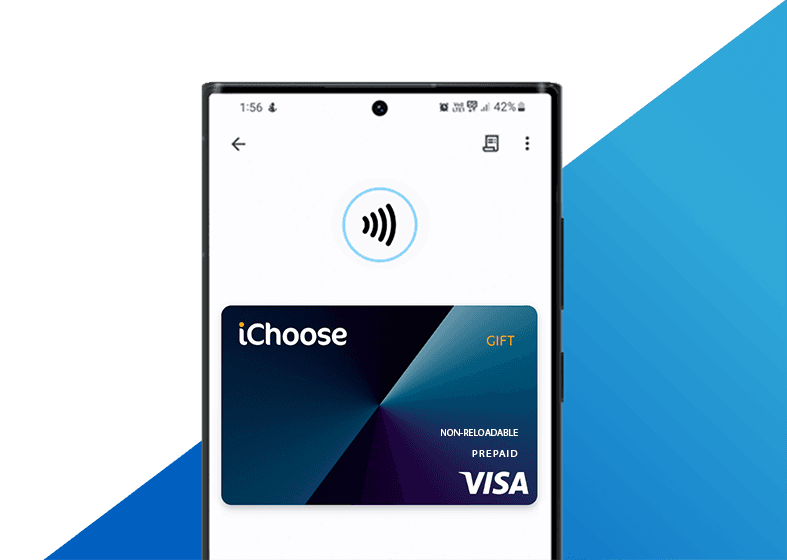
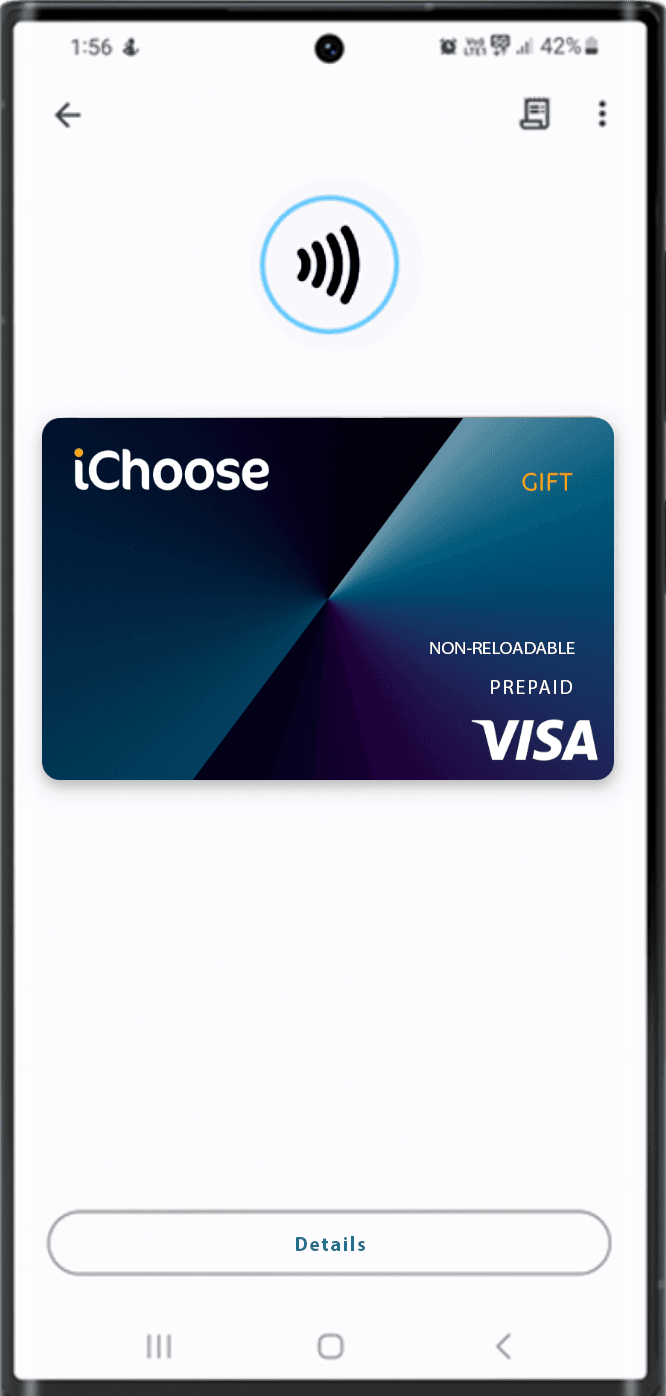
Add your card to Google Wallet.
Setup is easy.

Adding your card to Google Wallet is simple. Here's how to get started.
To add your iChoose Visa Prepaid Card to your Google wallet:
- 1. Open the Google Wallet app.
- 2. At the bottom, tap Add to Wallet.
- 3. Tap Payment card.
- 4. Tap New credit or debit card.
- 5. Click on enter card details manually at the bottom.
- 6. Fill out card details and click save and continue.
- 7. Accept the terms and conditions, and your card has been added to your mobile wallet.
- 8. You will now be able to make contactless payments anywhere Google Pay is accepted.
Support Link



Compatible with

Card Issued by Oxygen Global Pty Ltd ABN 41 162 667 843 AFSL 452 187
Copyright © Oxygen Global 2025. All rights reserved.
Google Pay and Google Wallet are trademarks of Google LLC.